Guide
AI Agent Sandboxes: Which Kind Fits Which Agent
An AI agent sandbox is the machine an agent's code runs in. Choose it by the job the agent does and by what the machine costs when the agent is doing nothing, not by a headline benchmark.
By Agent Unit Economics Editors · Updated
What an AI agent sandbox is
An AI agent sandbox is an isolated environment where an agent runs code, installs packages, opens a browser or drives a desktop without that work touching your servers or another customer's agent. The code in it is usually written by a model or supplied by a user, so the sandbox has to assume it is hostile: a prompt injection that turns a web page into instructions, a hallucinated destructive command, or a dependency that reaches out to the network.
Three questions separate one sandbox from another, and the rest of this guide follows them:
- The boundary. What an escaping process would have to break to reach the host or a neighbouring tenant.
- The lifetime. Whether the machine and its disk last for one call, one session, or as long as the agent exists.
- The idle bill. What you pay while the agent waits on a model, a user or a schedule, which for most agents is most of the time.
The three isolation boundaries
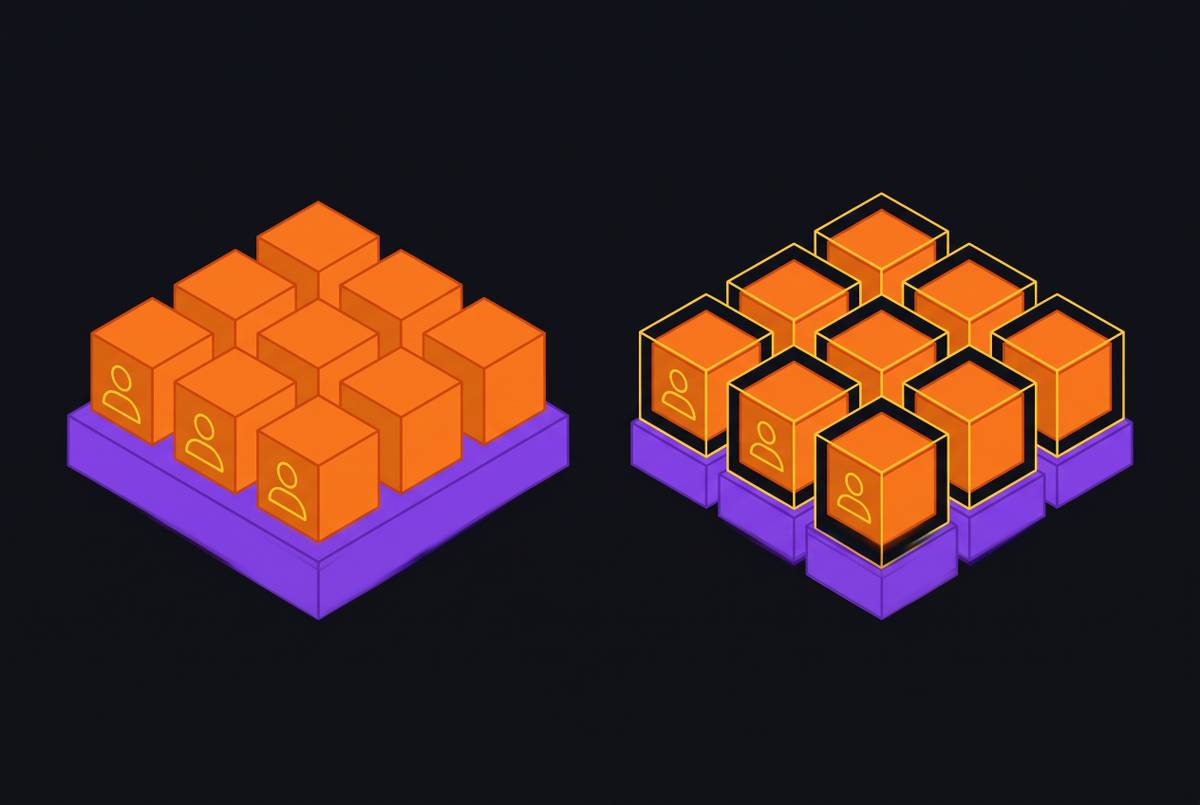
Every sandbox product is built on one of three boundaries. The product's start time, density and price all follow from which one it chose.
| Boundary | How it isolates | What an escape needs | Fits |
|---|---|---|---|
| Container (Docker, runc) | Linux namespaces and cgroups. Every container shares the host's kernel. | One bug in the shared kernel or the container runtime. runc has had host-escape flaws, such as CVE-2019-5736 and CVE-2024-21626. | Code you wrote and reviewed yourself. |
| User-space kernel (gVisor) | Intercepts the workload's system calls and answers them from a kernel that runs in user space, so the workload never talks to the host kernel directly. | A bug in gVisor, then a bug in the smaller set of host calls gVisor itself makes. | Untrusted code where you want to keep container tooling. Some syscall-heavy software runs slower or not at all. |
| Micro-VM (Firecracker, Kata Containers, Cloud Hypervisor) | Each sandbox boots its own guest kernel behind hardware virtualization (KVM). | A bug in the guest kernel, then a bug in the virtual machine monitor. | Model-written or user-supplied code, and fleets where every tenant must be kept apart. |
For agents that run code nobody reviewed, the micro-VM boundary is the default worth starting from. The trade-offs are covered in depth in Container Isolation vs Micro-VM Isolation for Agent Sandboxing and Firecracker Micro-VM Architecture for AI Agent Workloads.
The best sandbox for each kind of agent
The options named under each pick are examples of products built that way, listed alphabetically and not ranked. Limits and prices change often, so confirm each on the vendor's own documentation and pricing page before you build on it.
Code execution inside one turn
Pick: A throwaway micro-VM sandbox, created for the call and destroyed after it.
A code interpreter, a data-analysis step or a tool that runs a script needs a clean machine for seconds or minutes and nothing afterwards. Nothing should survive the call, so nothing can leak into the next one.
Check before you choose
- Time from API call to first command, measured from your own region.
- An SDK in your agent's language, with file upload and download.
- The maximum lifetime of one sandbox.
Built this way: E2B (open source, Firecracker), Maritime throwaway sandboxes (Firecracker), Modal Sandboxes (gVisor), Vercel Sandbox (Firecracker).
Coding agents
Pick: A sandbox that lives for the whole task, starts from a prepared image or snapshot, and lets you control its network.
A coding agent clones a repository, installs dependencies and runs tests, often for longer than a single request. Reinstalling the toolchain on every run wastes most of the session, and the agent needs package registries without needing the whole internet.
Check before you choose
- Session length limit, and what happens to the work when it is reached.
- CPU, memory and disk per sandbox, and whether you can change them.
- Custom images or snapshots, so dependencies are installed once.
- Egress rules per sandbox, and how secrets reach it without the agent reading them.
Built this way: E2B, Maritime, Modal Sandboxes, Vercel Sandbox. See Long-Running Agent Task Design Patterns for structuring the task itself.
One persistent agent per user
Pick: A persistent micro-VM with its own disk that sleeps when idle and resumes from a snapshot.
An agent that works for one customer keeps installed tools, logins, browser sessions and files between conversations. A throwaway sandbox loses all of that, and a machine left running bills compute for hours of waiting. Snapshot and restore turns idle time into storage instead of compute.
Check before you choose
- Whether the disk survives stop, restart and redeploy.
- What an idle agent is billed for: compute, memory, or only storage.
- Time to wake a sleeping agent, measured from your region.
- How agents are kept apart on the network and in credentials.
Built this way: Maritime persistent agent boxes, Sprites (persistent Firecracker workspaces). Background: Per-User Agent Architecture for SaaS Products and Firecracker Snapshot and Restore for Agent State Preservation.
Swarms, evals and RL rollouts
Pick: Short-lived sandboxes you can create by the thousand, billed per second, ideally forked from one snapshot.
Evaluation and reinforcement-learning pipelines run the same environment many times in parallel. The limits that matter are how many sandboxes you may run at once, how fast new ones are created, and whether each starts from an identical state.
Check before you choose
- Concurrent sandbox limit on your plan, and how to raise it.
- Creation rate under load, not one sandbox at a time.
- Forking or cloning from a snapshot, so every rollout starts identical.
Built this way: E2B, Maritime swarms, Modal Sandboxes. See Multi-Agent Orchestration With Shared State.
Computer-use agents
Pick: A full desktop or phone the agent can see, click and type on, not a headless code sandbox.
An agent that operates a legacy Windows application, a Citrix session or a phone-only app needs a screen, a keyboard and a mouse. A Linux shell with a headless browser covers web tasks but not those.
Check before you choose
- Which operating systems are offered: Linux, Windows, Android.
- How the agent receives the screen and sends input.
- Whether sessions and logins persist between runs.
Built this way: Maritime computers on demand (Linux and Windows desktops, Android phones). See Browser Session Persistence in Cloud AI Agents.
Running it yourself
Pick: Firecracker on bare metal, or gVisor or Kata Containers as the runtime under Kubernetes.
Self-hosting trades a vendor bill for an operations team. Firecracker needs KVM, which means bare metal or an instance type that supports nested virtualization; gVisor and Kata plug into existing container tooling.
Check before you choose
- Whether your hosts expose KVM.
- Who builds images, snapshots, networking and the scheduler that wakes agents.
- How you patch guest kernels and the virtual machine monitor.
Built this way: Firecracker, gVisor and Kata Containers are open source. See Running Firecracker on Bare Metal at Scale and Bare Metal vs Virtualized Hosts for Firecracker Agent Fleets.
What to check before you choose
| Question | Why it matters | Where to find the answer |
|---|---|---|
| What is the isolation boundary? | It decides what a compromised sandbox can reach. | The vendor's architecture or security docs. Ask if it isn't stated. |
| How long can one sandbox live? | Tasks cut off at a limit lose their work. | The limits or quotas page. |
| Does the filesystem survive a stop? | Persistence decides whether the agent rebuilds its environment every time. | Docs on persistence, volumes or snapshots. |
| What does an idle sandbox cost? | Agents wait far more than they compute. | The pricing page: look for compute, memory and storage rates separately. |
| How fast does it start or wake? | Users wait on it on every conversation. | Measure it yourself from your region. Published benchmarks use different methods. |
| Can you limit network egress and keep secrets out of the agent's reach? | A prompt-injected agent will try to send data out. | Networking and secrets docs. |
| How many sandboxes can run at once? | Swarms and fleets hit plan limits first. | The limits page, or the vendor's sales team. |
| Is there a GPU option? | Some agents run local models or vision workloads. | Docs on machine types. |
| Which compliance terms are offered (SOC 2 report, DPA, HIPAA BAA)? | Regulated customers will ask before they sign. | The vendor's trust or security page. Ask for the report itself. |
How sandbox cost adds up per agent
A sandbox bill has the same few lines everywhere, even when vendors name them differently. Per agent, per month:
- Active compute: the seconds the machine is running, times its CPU and memory rate.
- Idle time: billed as compute if the machine stays up, or as storage if it is snapshotted and stopped.
- Storage: the agent's disk and any snapshots, per GB per month.
- Network: data sent out of the sandbox, where the vendor charges for it.
- Minimums: per-sandbox minimum billing increments and plan fees.
The share of time an agent sits idle usually decides the total more than the hourly rate does. Write down your agents' active hours per month before you compare vendors, then price that pattern on each vendor's current pricing page rather than comparing headline per-hour rates. Vendors Offering Snapshot-Restore Scheduling for AI Agents explains how sleeping agents change the bill.
Questions
Is a Docker container a good enough sandbox for an AI agent?
For code you wrote and reviewed, often yes. For code a model wrote or a user supplied, a container shares the host kernel with every other tenant, so one kernel or runtime bug can expose them all. A gVisor or micro-VM sandbox puts another boundary in the way.
What is the difference between a sandbox and a persistent agent VM?
A sandbox is usually created for one call or session and thrown away. A persistent agent VM keeps its disk, installed tools and logins between sessions, and sleeps when idle instead of being destroyed.
Should I build my own sandbox on Firecracker?
Only if you can run bare metal or KVM-capable hosts and staff the image building, networking, snapshot scheduling and patching it needs. Otherwise a managed sandbox is cheaper in engineering time.